Configuration
After the contract is deployed it has to be manually edited before becoming visible on the market
Configuration options
While deployment options are used as default values, there are still things to configure
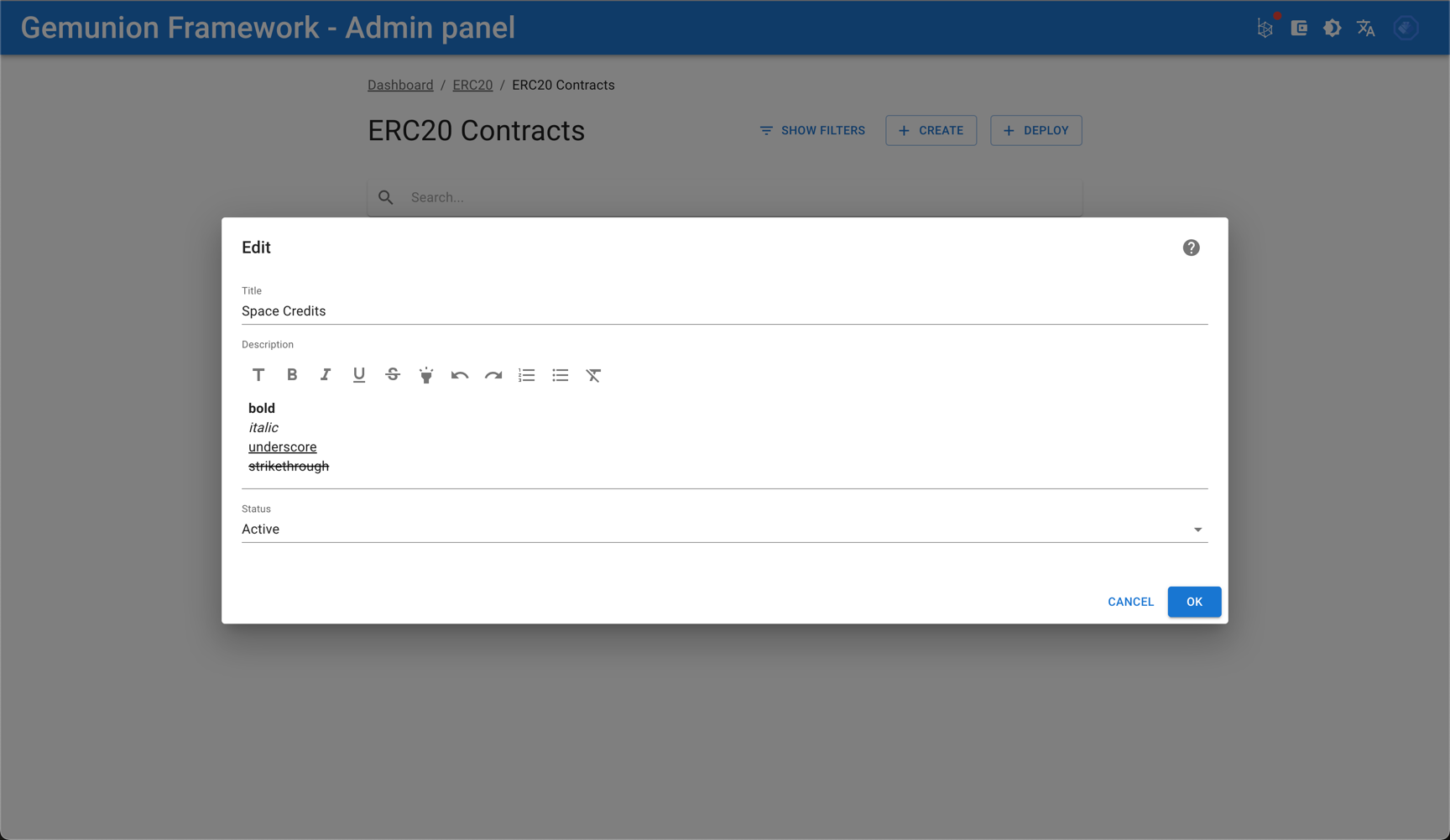
- title - This is how token is displayed on site, mostly in autocomplete fields for other actions
- description - General description. Supports Markdown format. Optional and present mostly for compatibility with other tokens
- token status
- NEW - Default status after contract deployment, should be manually changed to ACTIVE
- ACTIVE - Active tokens are displayed on site and available for selection for other actions
- INACTIVE - Inactive tokens are not available for selection